
Adding Your Billing Information
To avoid accounting complexities, we require that our customers pay for their ad spend to Google directly.
As part of our setup process, your marketing consultant will add the billing email you specify to the Google Ads account which will enable you to login and add your payment details to the account. This information is not visible to us.
We will operate within the budgets agreed by you at the start of the campaign. This is calculated on a daily basis by Google, essentially as your budget / 30.3 = daily budget. The daily budget can overspend by up to 50%, but the month as a whole will not go over your total budget.
When you have been added as a billing user, you'll receive an email like this:
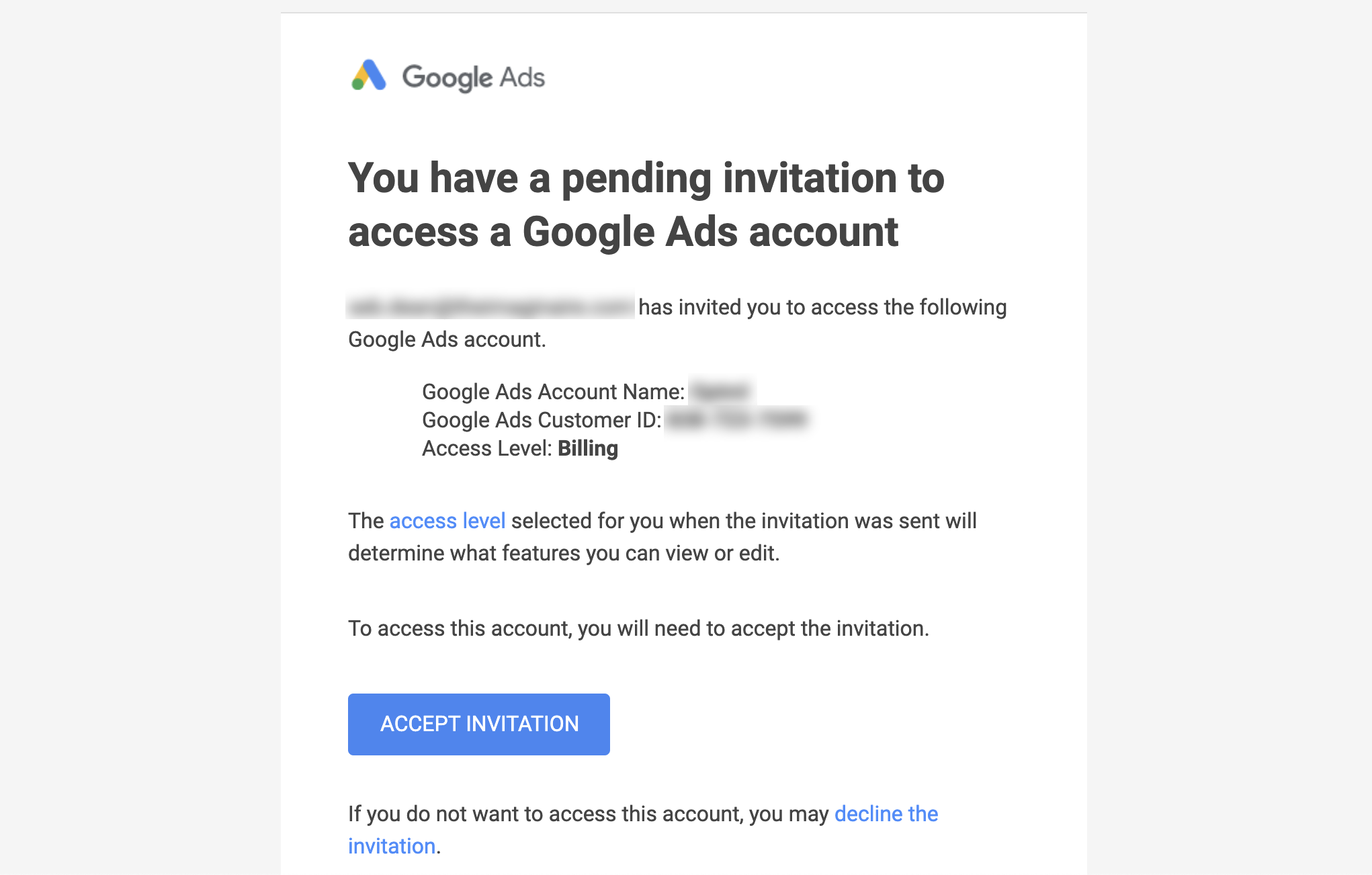
Click the Accept Invitation button and you'll be taken to Google Ads:
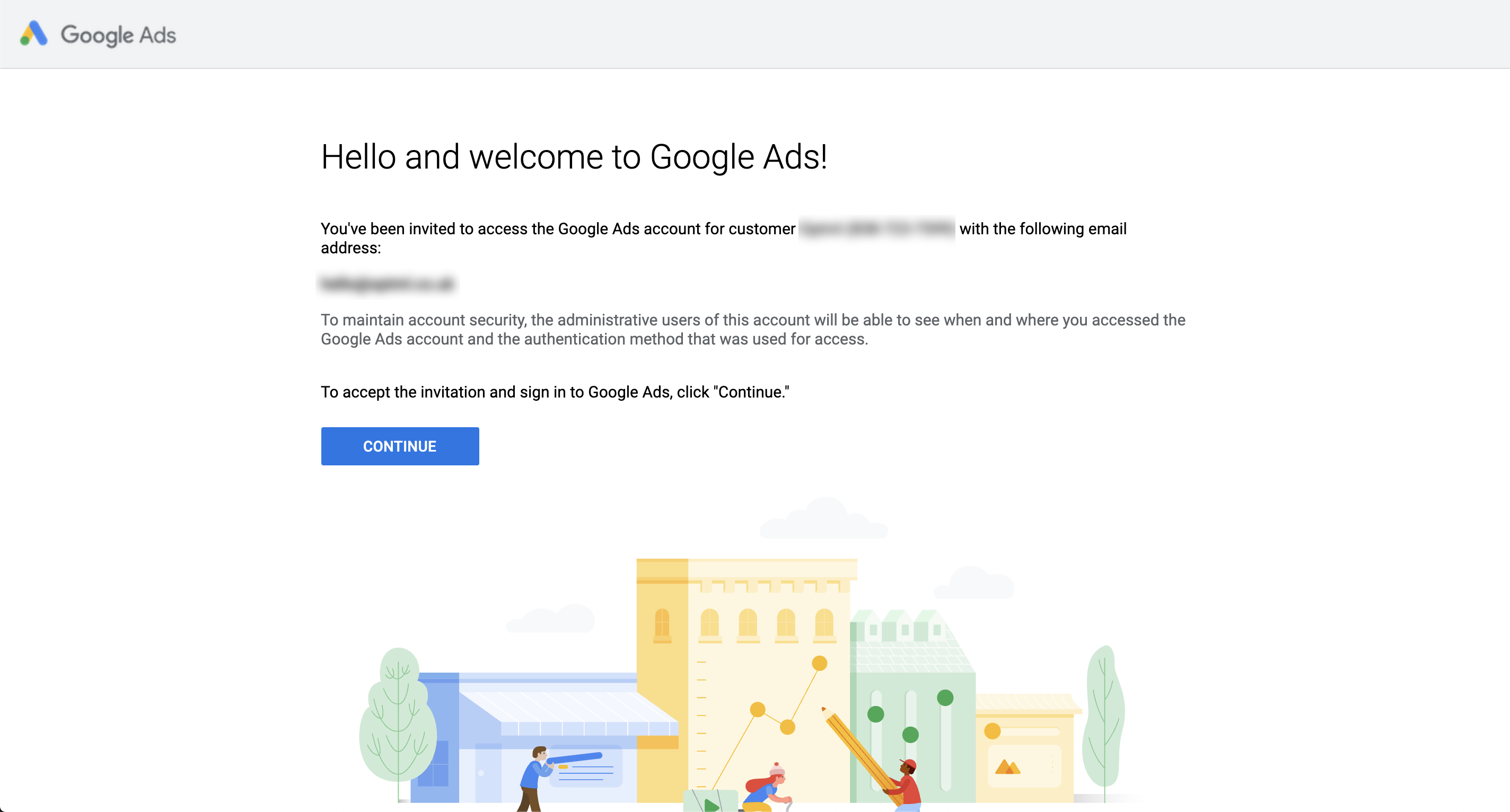
Click Continue and then click Manage Payment Methods. Once at that screen, click "Add Payment Method" and you'll be able to add your company debit/credit card or account details for direct debit payments. Please note: your company debit card will be approved fastest by Google.
Once you've done this, let your consultant know and they'll be able to keep an eye out for the account being confirmed so that we can start serving ads.